
为什么要使用 Chrome 扩展程序?
Pinvids 让您无需离开 Pinterest 即可更轻松地收集灵感。
一键下载
下载按钮直接出现在每个 Pinterest Pin 上,实现即时保存。
智能检测
自动检测可用的最高质量视频和图片版本。
注重隐私
我们不会追踪您的浏览历史,也不需要 Pinterest 登录详情。
支持所有格式
轻松保存 MP4 视频、高分辨率 JPG 和动态 GIF。
如何安装 Installation
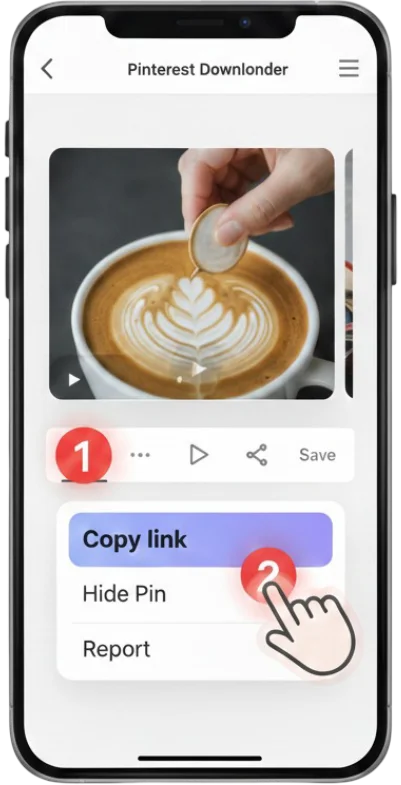
1 访问网上应用店
点击“添加到 Chrome”按钮访问官方 Chrome 网上应用店。
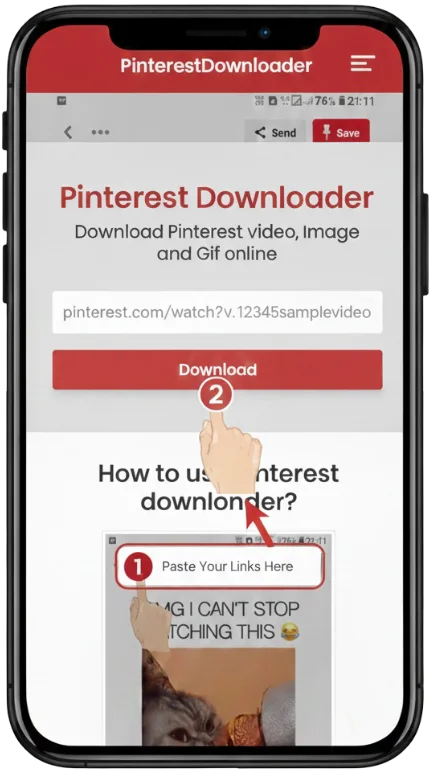
2 点击添加到 Chrome
在浏览器弹窗中点击“添加扩展程序”确认安装。
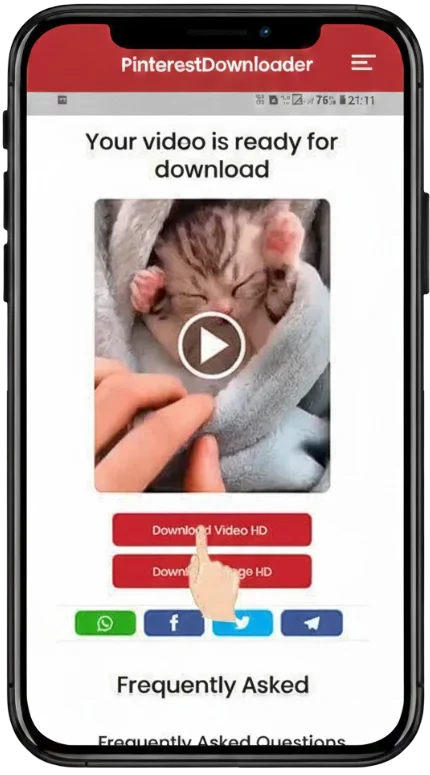
3 固定图标
点击浏览器中的拼图图标,并固定 Pinvids 以便快速访问。
直接从 Pinterest 动态流中下载
无需再复制和粘贴 URL。我们的扩展程序在 Pinterest 网站上的每张图片和每个视频上都添加了一个专用的下载按钮。
🖥️ Pinterest on Web Browser
打开 Pinterest.com 并找到您想要保存的视频或 GIF。
将鼠标悬停在 Pin 上,即可看到 Pinvids 下载按钮出现在顶角。

📱 Professional Extension UI
浏览 Pinterest
打开 Pinterest.com 并找到您想要保存的视频或 GIF。
本地保存
点击按钮,媒体将立即保存到您的电脑。
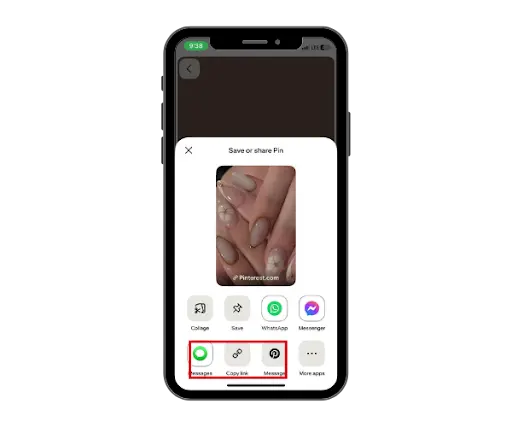
支持的格式与浏览器安全
该扩展支持 MP4, GIF, PNG, 和 JPG。它通过了 Google 安全浏览验证。
MP4 Source
MP4 (720p, 1080p, 4K)
Static HQ
JPG, PNG, WEBP
GIF/Animated
高质量 GIF
分步视频指南

Pinvids 使用安全吗?
是的,PinVids 完全安全,采用隐私优先的设计理念。
✅ Pinvids 已通过安全验证: Google 安全浏览 | Norton 安全网站 | TrustProfileChrome 扩展常见问题
是的,我们的扩展程序 100% 免费安装和使用,没有任何隐藏费用。
可以!由于 Edge 基于 Chromium 构建,您可以直接从 Chrome 网上应用店安装它。
该扩展程序只能下载公开访问或在您屏幕上可见的 Pin。
Click the puzzle piece icon in Chrome and click the pin icon next to Pinvids.
Yes, you need to enable "Allow in Incognito" in the extension settings.
Try refreshing the page. If it persists, reinstall the extension.
You can change the default download location in your Chrome browser settings.
Yes, it is optimized to have zero impact on your browser's performance.